Your IDE,
Now has an IDE.

Intelligent Document Editor

Intelligent Document Editor

We are in trials with teams that build world-class software

We are in trials with teams that build world-class software

We are in trials with teams that build world-class software

#

Core features

Publish company docs.
Take personal Notes.

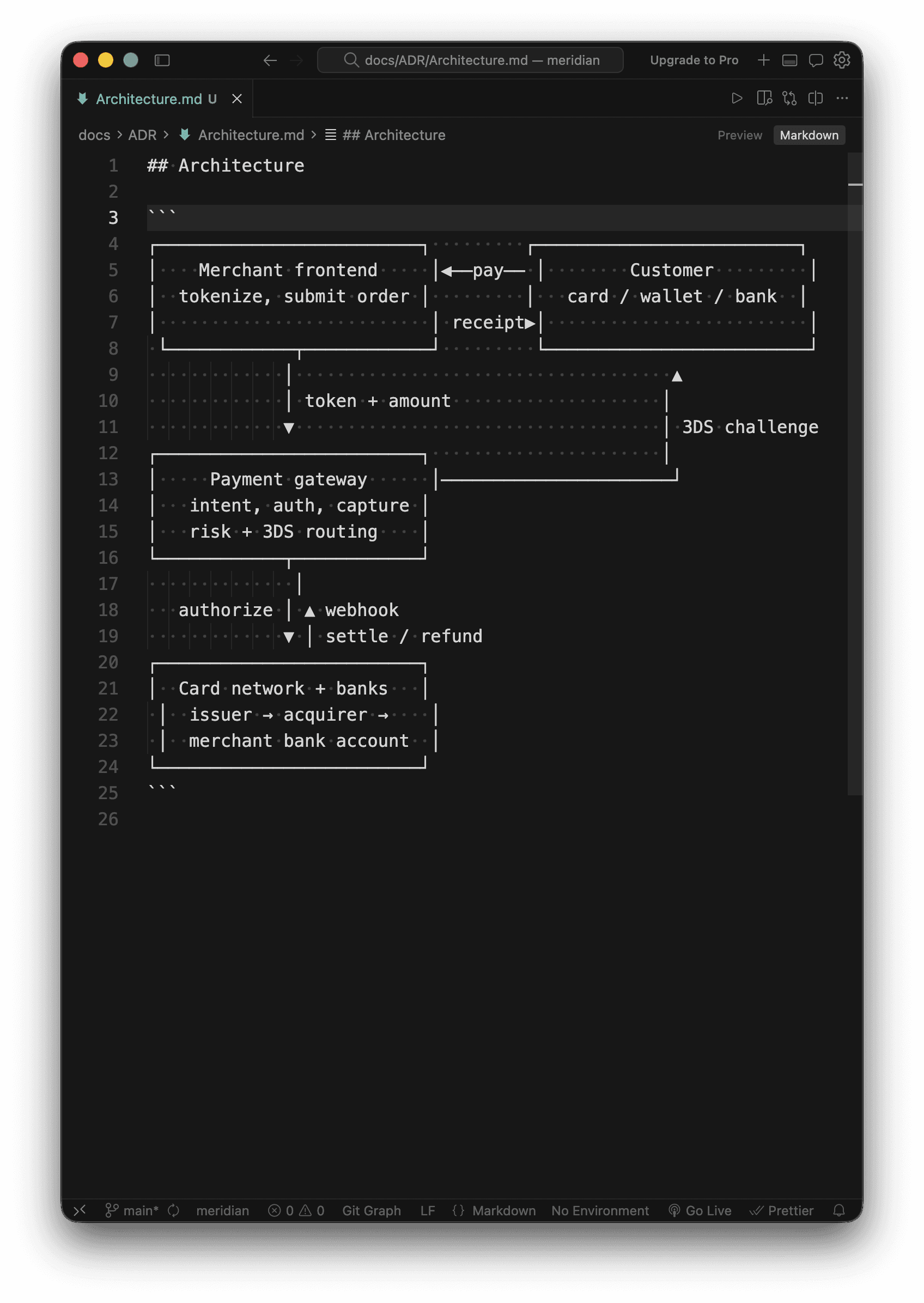
Using Notion and Google docs for engineering docs is like coding without Git. Publish internal docs like you would external API docs, so they remain reliable, auditable and structured, just like your code.

Markdown is dying

And the people killing it… built Claude Code. Working in .md has become default practice for engineers in the AI era but AI prefers HTML and that's why Claude and Meridian is built on top of it.

Stickies

Pin quick notes to files without breaking flow. Create To-do lists, notes, execute common workflows, shell scripts and spin up terminals from Stickies.

Collaborate

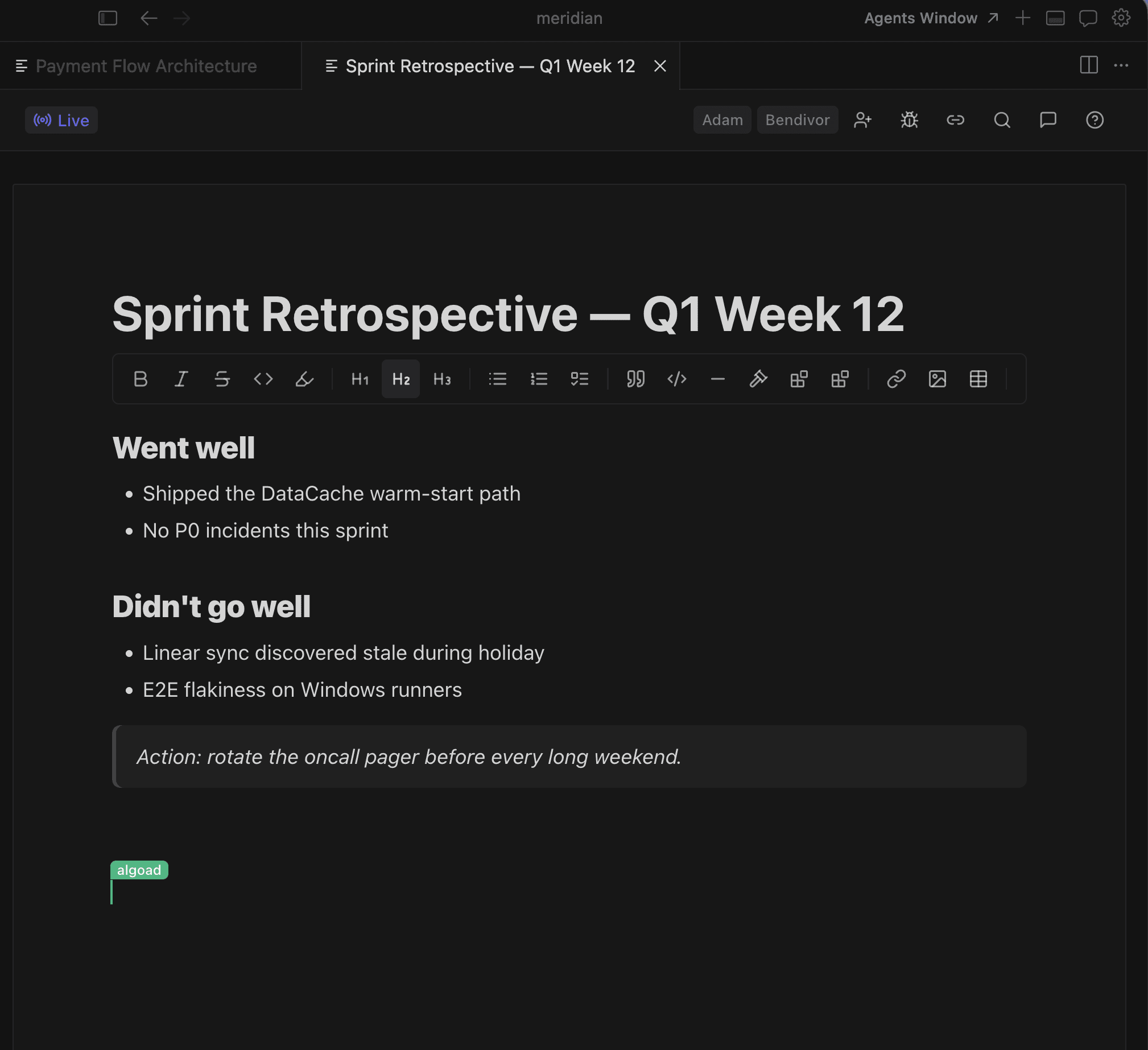
A live scratchpad for meetings, brainstorms, and retros. Type together in real time, then publish it as a doc or throw it away.

Code references

Link any block of code to the documentation that explains it. Never worry about it going stale.

--

Testimonials

I write a runbook, hit cmd+enter, and the command runs in the terminal beside it. It changed what 'documentation' even means for our oncall rotation.

Anderson

Full-stack engineer, Stripe

Code references alone justified the rollout to our team. A new hire clicks a symbol in an onboarding doc and they're inside the function.

Wesley

Senior Engineer, Okta

The 'docs are stale' excuse died the day we switched - every PR now updates the spec it touches, because the spec sits in the same repo.

Anne

Full-stack engineer, Stripe

The code references feature especially caught my eye. Keeping docs from going stale is such a real pain point.

Lia

Engineer, Datadog

Baking code and docs in the same context window makes working with AI so much better. Meridian gives AI the toolbox to represent plans, in a human-readable way.

Ben

CTO, Flagship

Stickies is my favourite. In the AI age, I run shell scripts and terminal workflows many times a day and now everything is easier. I love it.

Brandon

CTO, Crowded

I write a runbook, hit cmd+enter, and the command runs in the terminal beside it. It changed what 'documentation' even means for our oncall rotation.

Anderson

Full-stack engineer, Stripe

Baking code and docs in the same context window makes working with AI so much better. Meridian gives AI the toolbox to represent plans, in a human-readable way.

Ben

CTO, Flagship

The code references feature especially caught my eye. Keeping docs from going stale is such a real pain point.

Lia

Engineer, Datadog

The 'docs are stale' excuse died the day we switched - every PR now updates the spec it touches, because the spec sits in the same repo.

Anne

Full-stack engineer, Stripe

Code references alone justified the rollout to our team. A new hire clicks a symbol in an onboarding doc and they're inside the function.

Wesley

Senior Engineer, Okta

Stickies is my favourite. In the AI age, I run shell scripts and terminal workflows many times a day and now everything is easier. I love it.

Brandon

CTO, Crowded

//

FAQ

Can my team see my stickies?

What's the difference between Publishing and Collaborating on docs?

Which IDE's can I use Meridian in?

How does Meridian compare to Notion or Confluence?

Does Meridian work across my repositories and workspaces?

What is first, second and third release?

How does AI work with Meridian

Try Meridian

Install in seconds.

Start immediately.